Invoice chasing · Human-approved · +1 / +7 / +14
Late invoices climb the ladder. You approve every rung.
DueLadder watches your aged receivables, drafts a +1/+7/+14 reminder ladder. Nothing is ever sent without your approval of that exact message. Payment stops the chase instantly.
Free plan included · No card required · Manual mode works from day one
Why a ladder works: each rung adds one specific fact — the amount, the date, the consequence — and asks for one decision. Specific beats vague, and a set day beats “sometime this week”. You set the days and the words; the defaults are +1, +7 and +14.
How it works
- Add invoices. Add by hand or CSV import — manual mode is a full feature and works from day one. QuickBooks Online / Xero connections are built and activate once your own Intuit / Xero developer-app credentials are configured on the server; until then the app says so plainly and nothing is simulated.
- The ladder drafts. At +1, +7 and +14 days overdue (you set the steps), a draft reminder lands in your approval queue.
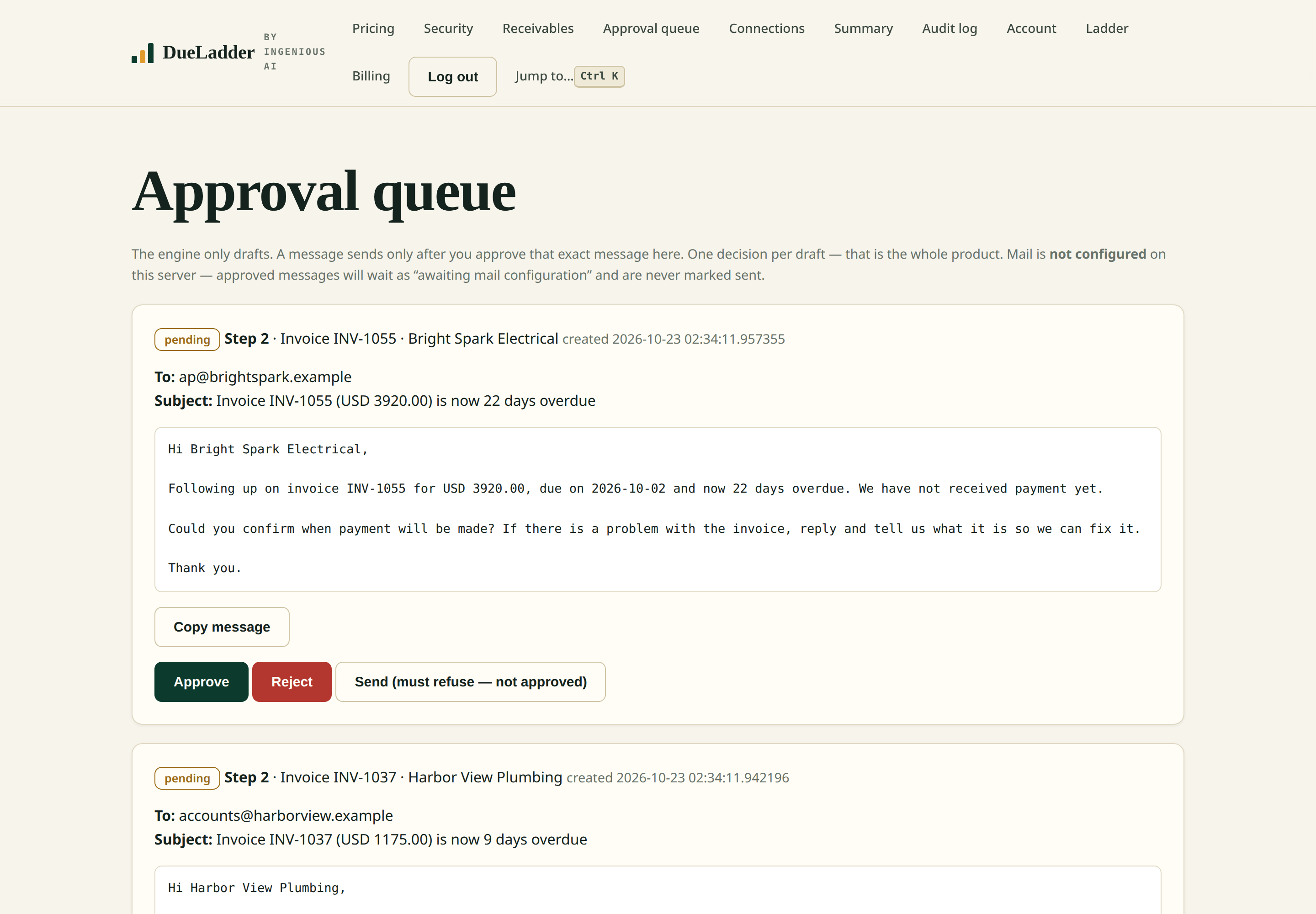
- You approve, it sends. One tap per message. Every draft, approval and send is written to an audit log you can read and export.
- Payment stops everything. A re-sync — or you marking an invoice paid — cancels pending drafts instantly. No payment is ever chased twice.
- Monday summary. A weekly arrears report: what is owed, in which aging bucket, who owes the most — and how much of what is overdue is covered by an active ladder.
Approval is enforced in code
The send path returns an error for any draft without a recorded approval. There is no auto-send mode, no bulk approve, no setting that turns it off.
An audit log, not a promise
Drafts created, approvals, rejections, sends and payment stops are appended to a log you can open in the app and download as CSV.
Paid means finished
The moment an invoice shows as paid, its pending drafts are cancelled and the ladder never drafts for it again.
Honest scope — what it does today, and what it does not
- Human-approved, always. There is no auto-send mode. The send path refuses any message without a recorded approval.
- Email only today. SMS chasing is on the roadmap, not in this version.
- Accounting connections need your developer accounts. QuickBooks/Xero connect through your own Intuit/Xero app credentials; until those are set, manual mode carries the work.
- Manual mode is a full feature. If your accounting connection is not set up yet, add invoices by hand or CSV and the ladder works the same way.
Free · Pro $49/mo · Team $99/mo — per business, not per seat. Keys are monthly; nothing auto-renews.
Compare plans